MetaTrader 5 setup
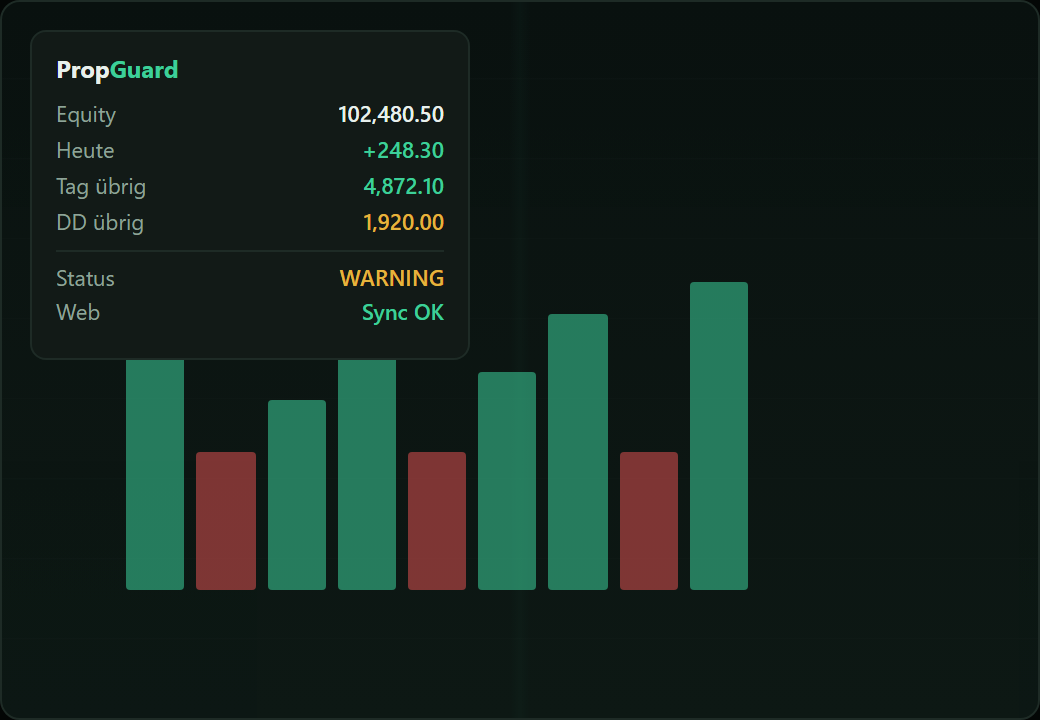
Connect PropGuard once — equity and GO/NO-GO sync live to the website and EA panel.
-
Generate token
In the app: Live → Generate token. Copy it — you paste it into the EA once.
-
Download & compile EA
Download PropGuard.mq5 → MetaEditor → Compile (F7).
-
Attach to chart
Drag the EA onto any chart. Paste your token into InpToken. Enable Algo trading.
-
Allow WebRequest
MT5 → Tools → Options → Expert Advisors → allow WebRequest for
https://www.getpropguard.net -
Verify sync
The nav chip shows “Connected — live”. Dashboard updates equity; Session shows GO/NO-GO automatically.
Troubleshooting
- Offline chip: check AutoTrading, VPS/internet, and WebRequest URL.
- Invalid token: regenerate under Live and update InpToken.
- Pro or Lifetime required for live MT5 sync.